React to Tab Changes in Dashboard
Your flows can now tell which tab someone is looking at. When someone switches tab on a Dashboard page that uses the Tabs layout, ui-control sends a message saying which tab they opened.
Previously, ui-control only reported page changes, so your flows had no way to see someone switch tabs within a page. Now you can load fresh data when someone opens the "Inbox" tab, pause updates for tabs nobody is viewing, or log which tabs get used.
Each message looks like this:
msg = {
    payload: 'tab',
    tab: 1,
    id: 'c41e7b09a2d35f18',
    name: 'Alarms',
    page: 'Line 1'
}
To get started, set the ui-control node's Output to Page/Tab Change Events Only or All Events, then switch on msg.payload === 'tab' in your flow. Use msg.id to identify the tab. It stays the same even when other tabs are hidden.
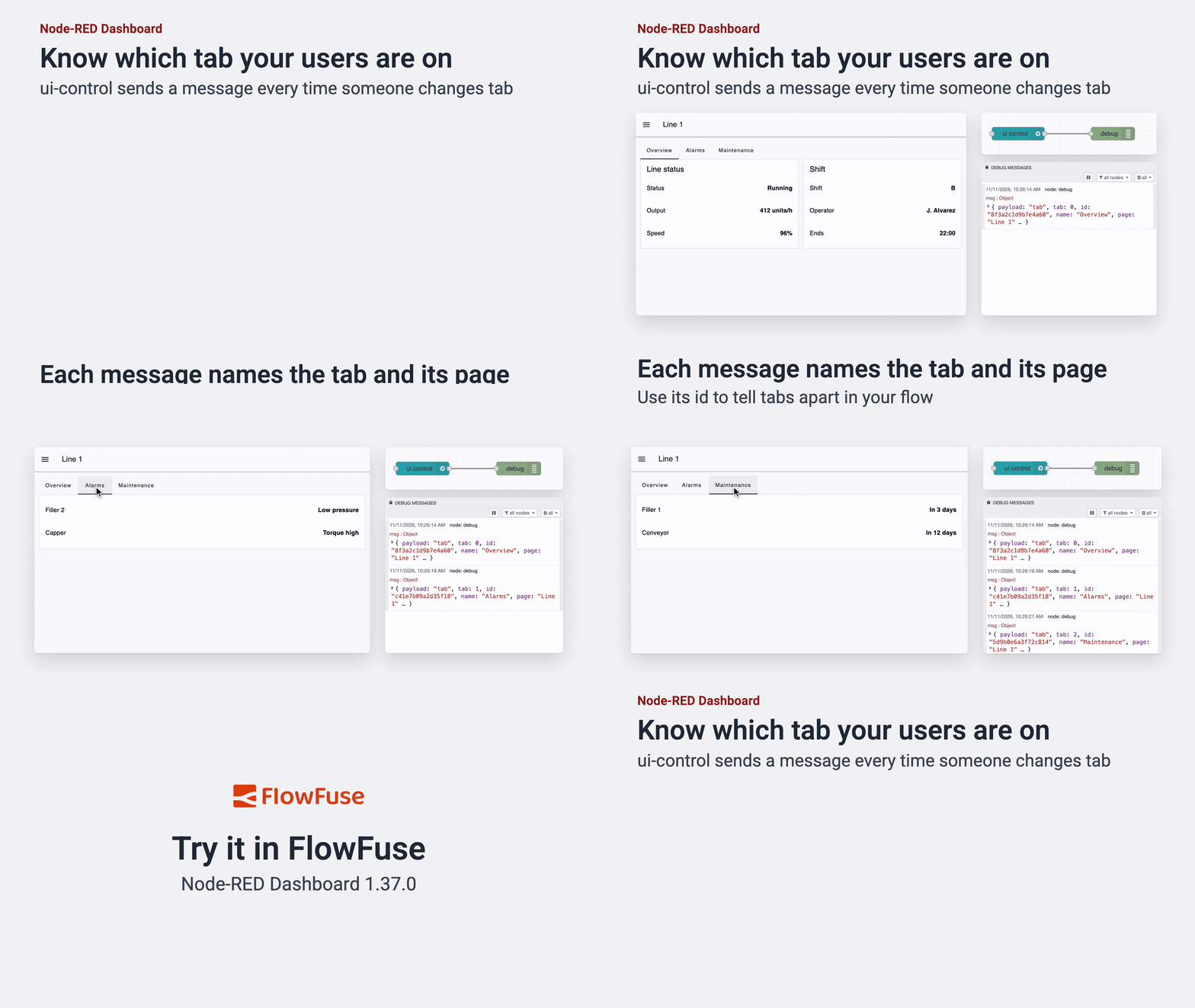 Each tab switch on the Dashboard sends a message from ui-control, with the tab's id, name and page.
You also get a message for the first tab when the page opens, so your flow always knows which tab is showing. Existing flows that handle the change event for pages keep working as before.
This feature is available to all FlowFuse Dashboard users from v1.37.0, on FlowFuse Cloud and Self Hosted.
Written By:
Published on:
Related GitHub Issues
Recent Updates:
- Dashboard Navigation and Dialogs Without Extra Wiring
- Kubernetes Stack Memory and CPU allocations
- Introducing Remote Agent Plugin
- AI Improvements in FlowFuse
- Vue and Vuetify Editing for Templates